
Built on Shopify's Current API Standards
Shopify's Admin API has moved toward GraphQL as the current standard, with REST endpoints no longer available for new public apps. We build integrations against current standards rather than legacy patterns.








 551
551
 5
5
 0
0
 0
0
 0
0


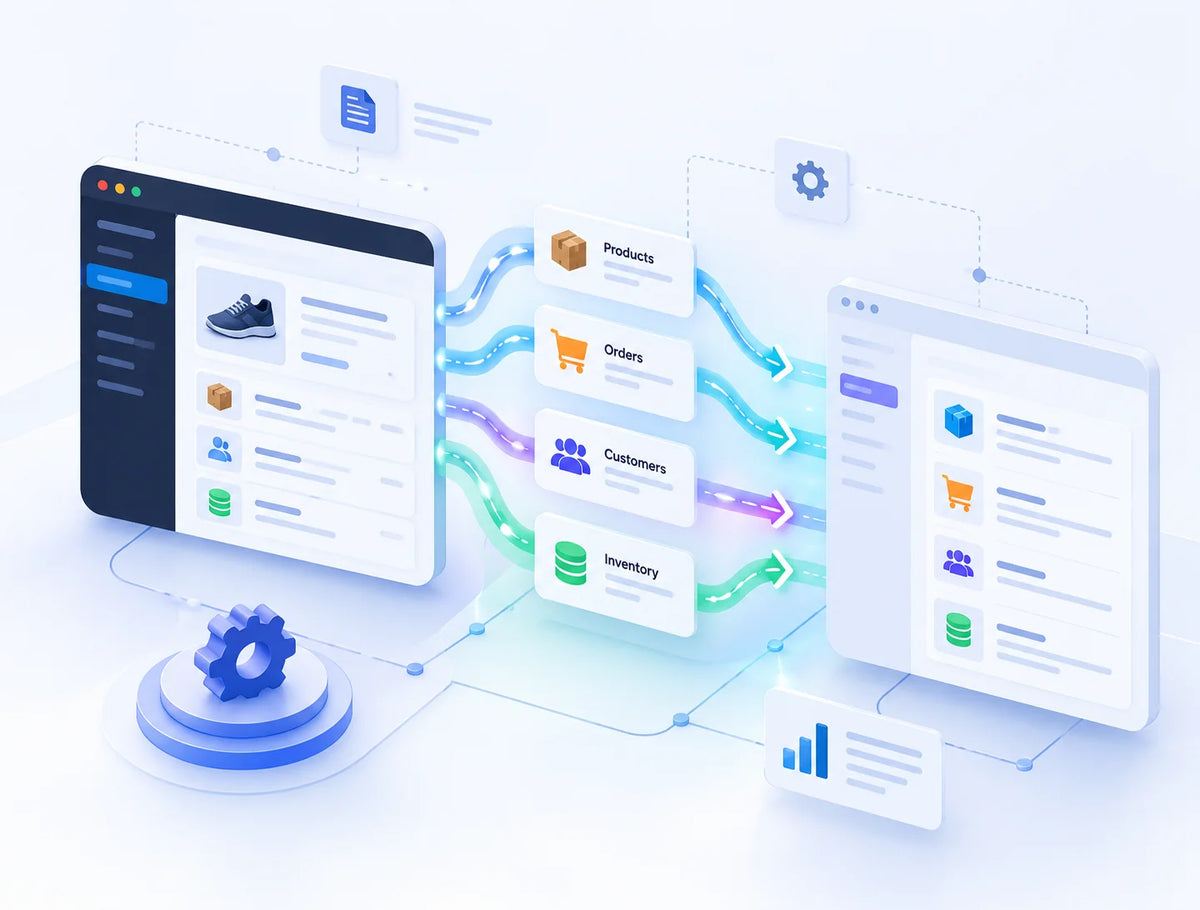
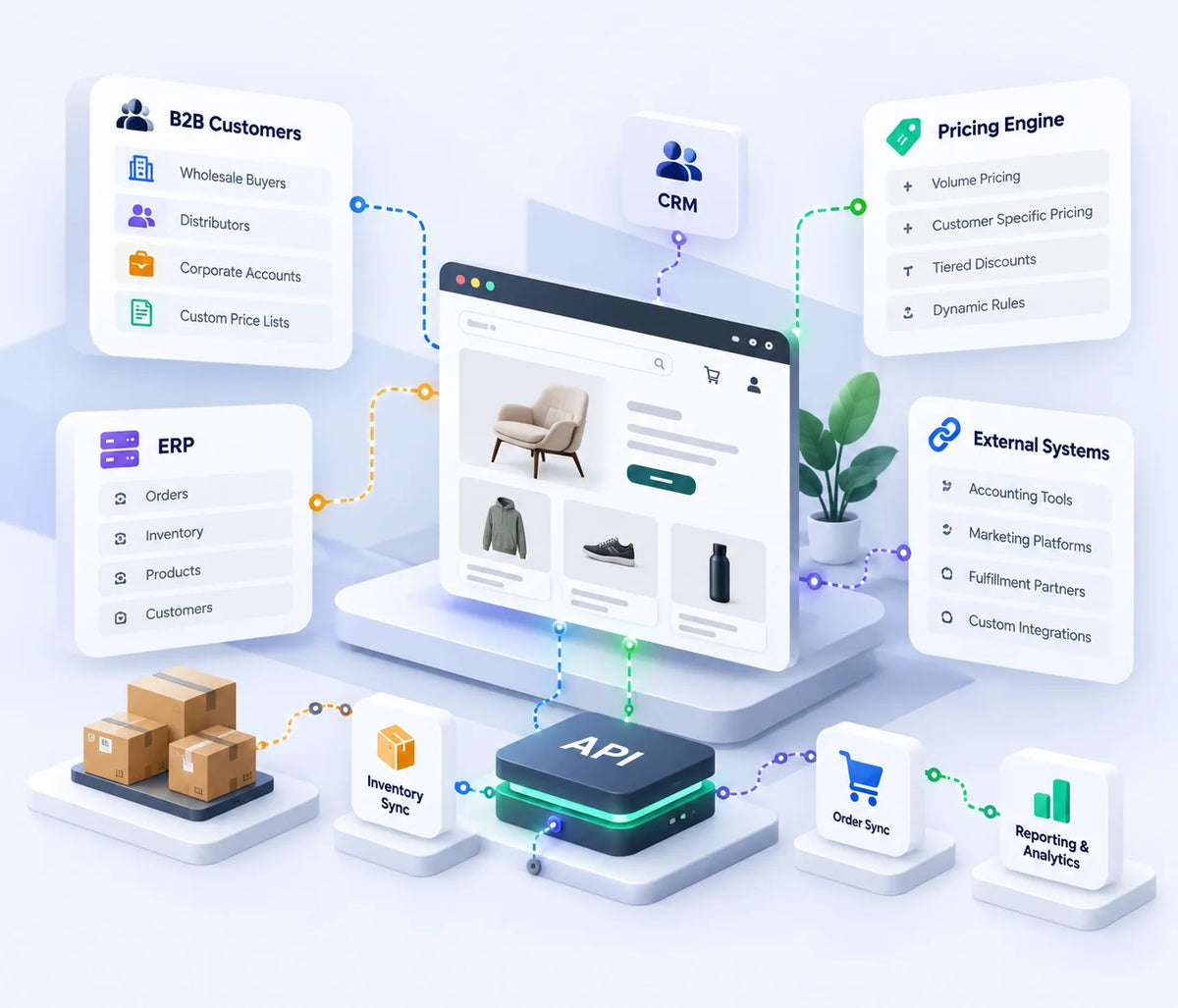
Shopify API integration is the process of connecting Shopify to another system, an ERP, CRM, or custom software, so data like products, orders, or customer records can pass between them automatically instead of being entered manually in each system.
It works by building a connection using Shopify's APIs (primarily the Admin API) and the other system's own API, mapping how data is structured in each, and defining rules for what syncs, how often, and in which direction.
Integration reduces manual data entry and keeps information consistent across the systems a business actually runs on, which matters most once a store's operations extend beyond Shopify alone, into inventory management, fulfillment, or CRM tools.
In most cases, yes, though the specific capabilities depend on the ERP platform's own API. We confirm feasibility with your specific ERP system before scoping the integration.
Yes, in most cases, syncing customer and order data to support sales and marketing workflows, again depending on what the specific CRM's API supports.
Yes, custom integrations are common for business-specific tools or workflows that don't fit a standard ERP or CRM category, scoped based on what both systems can technically support.
The Admin API is Shopify's primary interface for reading and writing store data, products, orders, customers, and inventory, and is currently built primarily around GraphQL rather than the older REST-based approach.
Webhooks let an integration respond to events in real time, such as a new order being placed, rather than repeatedly checking Shopify for updates.
Timelines depend on how many systems are involved, how complex the data mapping is, and whether the other platform's API is well documented or requires more discovery work upfront.
Testing covers data mapping accuracy, error handling, and synchronization behavior before launch. After launch, ongoing maintenance addresses API changes and updates from either Shopify or the connected system over time.